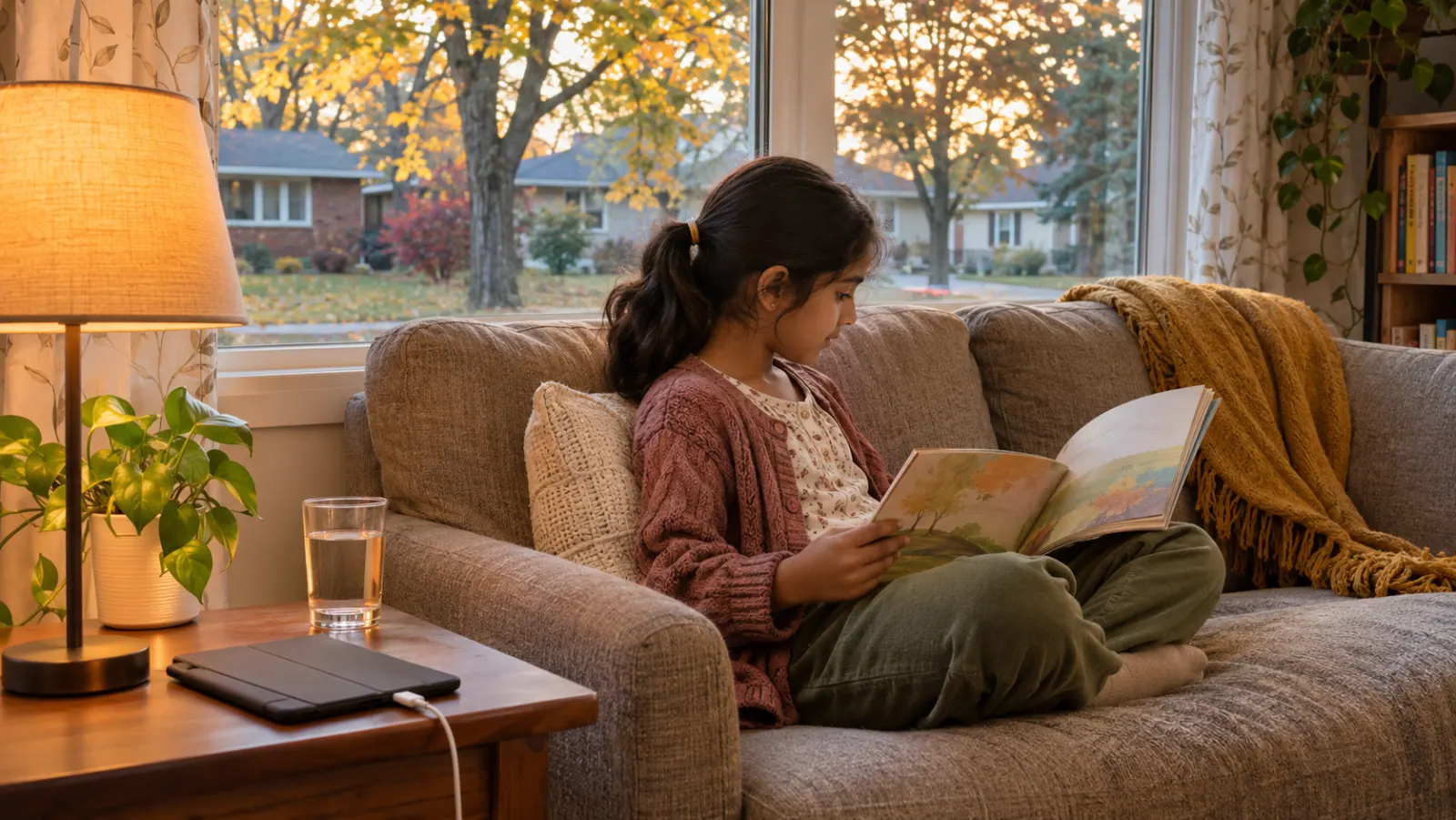
September has a way of exposing a family’s summer screen habits. For two months the rules loosened: a cartoon in the morning so the adults could sleep in, a game on the long drive to a cousin’s place in Markham, a phone handed over at the Scarborough Town Centre food court to buy ten quiet minutes. Then school starts again, alarms go off at 7 a.m., and suddenly a child who was happily up until midnight with a tablet cannot get out of bed, is cranky by dinner, and melts down when the device is taken away.
If that sounds familiar, you are in very good company. Parents ask about screens at children’s checkups more than almost any other everyday topic, usually with a note of guilt in their voice. The good news is that you do not need to banish technology from your home to protect your child’s health. Screens are part of school, friendships, extended family video calls across time zones, and plenty of genuinely good learning. What matters is what the screen is replacing, when it is being used, and how your child feels and functions around it.
This article walks through the main ways screens touch children’s physical and emotional health, what general Canadian guidance says by age, and practical family rules that real households in Scarborough have found they can live with.
It is less about the hours and more about what gets pushed out
A useful way to think about screen time is as a budget. A child’s day has a limited number of hours, and certain things need to fit into it: sleep, physical activity, outdoor time, meals, homework, face-to-face play, chores, and simply being bored long enough to invent something. When screens start to crowd those things out, health effects follow. When screens fit comfortably alongside them, the effects are usually modest.
That is why two children with the same daily total can look completely different. One spends an hour on a video call with grandparents in Colombo and another hour building a world in a creative game, sleeps ten hours, and plays soccer at the park after school. Another spends the same two hours scrolling short videos alone in the bedroom between 10 p.m. and midnight. The number is identical. The impact is not.
Content and context matter too
When you are deciding whether a particular use is a problem, it can help to ask a few questions:
- Is this active or passive? Creating, coding, or problem-solving is different from endless autoplay.
- Is it social in a healthy way? Gaming with real friends and chatting with family can strengthen connection.
- Is an adult nearby, at least sometimes? Co-viewing and talking about what they see makes a difference for younger children.
- Is the content appropriate for their age, including the ads and the comments?
- How does your child seem afterward: calm and satisfied, or wired, irritable, and unable to stop?
Sleep: the first thing to suffer
If you change only one thing about screens in your home, make it about bedtime. Sleep is where the clearest health effects show up, and children who are short on sleep often struggle with attention, mood, appetite, and immune health.
Screens interfere with sleep in several ways at once. The content is designed to be engaging, so it keeps the brain alert when it should be winding down. Light from screens late in the evening may make it harder to feel sleepy. Notifications wake children up in the night. And the simplest problem of all: time on a device after lights-out is time not spent sleeping.
School-aged children generally need somewhere around 9 to 12 hours of sleep a night, and teens around 8 to 10. Many are getting much less, especially once a phone moves into the bedroom.
Sleep-protecting rules that work for many families
- Screens off about an hour before bed. Use that time for a bath, reading, drawing, or a chat.
- Devices charge overnight outside the bedroom, in the kitchen or a parent’s room. This one rule solves a surprising number of problems.
- No televisions or gaming consoles in children’s bedrooms.
- If a teen uses a phone as an alarm, a cheap alarm clock is a worthwhile purchase.
- Parents follow the same rule where possible. Children notice.
If your child still has trouble falling asleep, snores loudly, or seems exhausted despite a reasonable bedtime, mention it at a visit. Not every sleep problem is about screens.
Eyes: dry, tired, and possibly more short-sighted
Parents often worry that screens will “ruin” their child’s eyes. Screens do not cause blindness, but they can cause real discomfort, and there is growing concern about their role in short-sightedness (myopia).
Digital eye strain
Staring at something close up for a long time, especially without blinking much, can lead to tired, dry, or burning eyes, blurry vision after use, and headaches. Children rarely complain clearly. Instead you might notice rubbing, squinting, or a child who suddenly wants to stop reading.
A simple habit many eye care professionals suggest is the 20-20-20 rule: every 20 minutes, look at something about 20 feet away for about 20 seconds. Younger children will not remember on their own, but you can build it into routines, such as a stretch break at the end of each episode.
Outdoor time and short-sightedness
Short-sightedness has become much more common in children worldwide. Lots of close-up work and less time outdoors are both thought to play a role. Daylight and looking into the distance seem to be protective, which is one more good reason to push for outdoor play. In Scarborough, September and October are some of the best months of the year for it, with cooler afternoons and the ravine trails along Highland Creek and the Bluffs at their prettiest.
Signs your child might need an eye exam include squinting at the board, sitting very close to the television, holding books or devices unusually close, frequent headaches, or a teacher mentioning trouble seeing. In Ontario, OHIP covers routine eye exams for children, so booking with an optometrist is worth doing, and your doctor can also check vision at regular children’s health visits.
Posture, muscles, and that “tech neck”
Watch a child on a tablet for a few minutes and you will usually see a head bent forward, shoulders rounded, and a body folded onto a couch or bed. A few minutes of that is harmless. Hours of it day after day can contribute to neck and upper back aches, headaches, and stiffness, along with sore thumbs and wrists from gaming.
Simple fixes
- Raise the screen closer to eye level, for example by propping a tablet on a stand or books.
- Use a table for homework on a laptop instead of lying on a bed.
- Encourage movement breaks: get up, stretch, refill a water bottle.
- Keep gaming sessions to a defined length rather than open-ended marathons.
Children with persistent neck, back, or wrist pain, numbness, or pain that wakes them at night should be checked by a doctor rather than assumed to have screen-related strain.
Activity and weight
Every hour on a screen is usually an hour sitting down. Children and teens are generally encouraged to get at least an hour of moderate to vigorous activity every day, plus lighter movement throughout the day. Screens also tend to come with snacking and with exposure to food advertising, which can nudge children toward sugary drinks and snack foods.
This is not about weight or appearance. Active children tend to sleep better, focus better, and feel better. If screens have taken over the hours after school, aim to swap some of that time for movement rather than simply removing the device and leaving a gap.
Mood, attention, and the pull of the feed
Screens can be a great source of connection and fun. They can also affect mood, particularly when use is heavy, late at night, or centred on social media. Parents often notice irritability when a device is taken away, difficulty stopping, a short fuse after long gaming sessions, or a teen who seems more anxious or down after time online.
For older children and teens, social media brings its own pressures: comparing appearance and lifestyles with others, fear of missing out, cyberbullying, and content that is not age-appropriate. Some children cope well with this. Others find it quietly corrosive.
Signs that screens may be a bigger problem
- Your child seems unable to stop even when they want to, or lies about use.
- Sleep, school, friendships, or family time are clearly suffering.
- Big emotional outbursts every time a device is limited.
- Withdrawal from activities they used to enjoy.
- Signs of low mood, anxiety, or being targeted or harassed online.
These can sometimes reflect something deeper, such as anxiety, depression, attention difficulties, or bullying, where the screen is a refuge rather than the cause. It is worth talking about with your doctor. If a child or teen talks about self-harm or suicide, or you believe they are in immediate danger, call 911 or go to the nearest emergency department.
General guidance by age
Canadian paediatric guidance offers broad targets, and your doctor can talk through how they apply to your child. In general terms:
Babies and toddlers under 2
Screen time is generally discouraged at this age, with the common exception of video-chatting with family. Babies and toddlers learn language and social skills mainly through real interaction: being talked to, read to, sung to, and played with. For many Scarborough families with relatives overseas, a video call with a grandmother in Manila or Mogadishu is a lovely, interactive use of a screen. Leaving a show on in the background most of the day is a different matter, as it tends to reduce the amount of conversation a young child hears.
Preschoolers, about 2 to 5
Guidance generally suggests limiting routine screen time to no more than about an hour a day, choosing high-quality, slow-paced, educational content, and watching together when possible so you can talk about it. Avoid screens during meals and in the hour before bed. If your preschooler is not yet talking much, more face-to-face play is almost always a better investment than an educational app.
School-aged children, about 6 to 12
Rigid minute limits become harder at this age because school itself involves screens. Focus on routines instead: homework first, screens after activity, a clear end time on school nights, devices out of bedrooms, and open conversations about what they are watching and playing. This is also the age to start teaching online safety, privacy, and how to handle something upsetting they come across.
Teens
Teens need growing independence, and harsh rules often backfire. Negotiate together. Agree on phone-free times (meals, the hour before bed, overnight), talk honestly about social media, and model the behaviour you are asking for. Keep the lines of communication open so your teen will come to you when something goes wrong online.
Building a family media plan
The households that manage screens best are rarely the ones with the strictest rules. They are the ones with clear, predictable rules that everyone understands, including the adults. A simple family media plan might cover:
- Screen-free zones: the dinner table, bedrooms, and the car on short trips.
- Screen-free times: meals, the first half hour of the morning, the hour before bed.
- What comes first: homework, chores, outdoor play, or practice before recreational screens.
- Where devices sleep: a charging station in a shared space.
- Weekend and holiday differences: a little more freedom is fine if sleep is still protected.
- What to do if something upsetting happens online: tell a parent, no punishment for telling.
Write it down and put it on the fridge. Children are much more likely to accept a rule that applies to everyone than one that seems invented on the spot.
When grandparents and other caregivers are involved
Many families in Scarborough share childcare across generations. A grandparent may use a phone to settle a toddler while parents are commuting on the TTC or working a late shift. That is completely understandable. Try to share your family plan with everyone who looks after your child, explain the reasons (especially around sleep), and offer alternatives such as a basket of books or simple toys that make the screen less necessary.
Making transitions easier
A lot of screen-time conflict happens at the moment the device has to go away. Some ideas that help:
- Give a five-minute warning, and use a timer so the device, not the parent, is “the bad guy.”
- Stop at a natural endpoint, such as the end of an episode or level.
- Have the next activity ready, ideally something your child enjoys.
- Stay calm and consistent. If a meltdown wins back the tablet, expect more meltdowns.
When to check in with a doctor
A visit can help if you notice ongoing sleep problems, headaches, eye strain or squinting, persistent neck or back pain, big changes in mood or behaviour, falling grades, social withdrawal, or a child who seems unable to control their screen use. For younger children, delays in speech or social interaction should always be raised, whatever the screen habits. Our clinicians can review your child’s health, rule out other causes, and help you make a realistic plan, and a growth and development assessment may be useful if you are worried about how your child is progressing.
Finding a healthier balance in Scarborough
There is no perfect screen-time number, and no family gets this right every day. Aim for progress: protect sleep, make room for movement and outdoor time, stay curious about what your child is doing online, and keep talking.
If you would like to discuss your child’s sleep, vision, mood, or habits, HealthSmart Medical offers paediatric care and family medicine for children and teens in Scarborough. Visit us at 2425 Eglinton Ave. East, Unit 12, call 416-757-7117, or book online. Bring your questions, and maybe leave the tablet in the car.
This article is for general information and is not a substitute for medical advice. If you have severe or worsening symptoms, call 911 or go to the nearest emergency department.